Learn to use the Workstation
Take a cutting job from its first order to a production plan. Follow these illustrated guides in order, or jump to the tool you need.
All guides are free to read. No account required.
Start with your first order12 guides
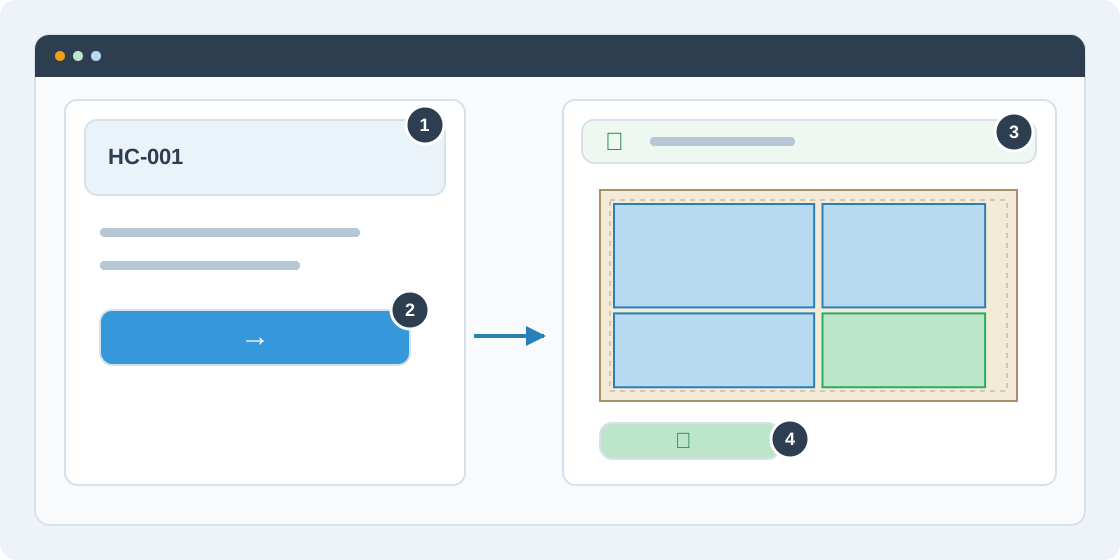
Create your first cutting order
Find your way around the Workstation, open a job and keep its progress organized.
Read guide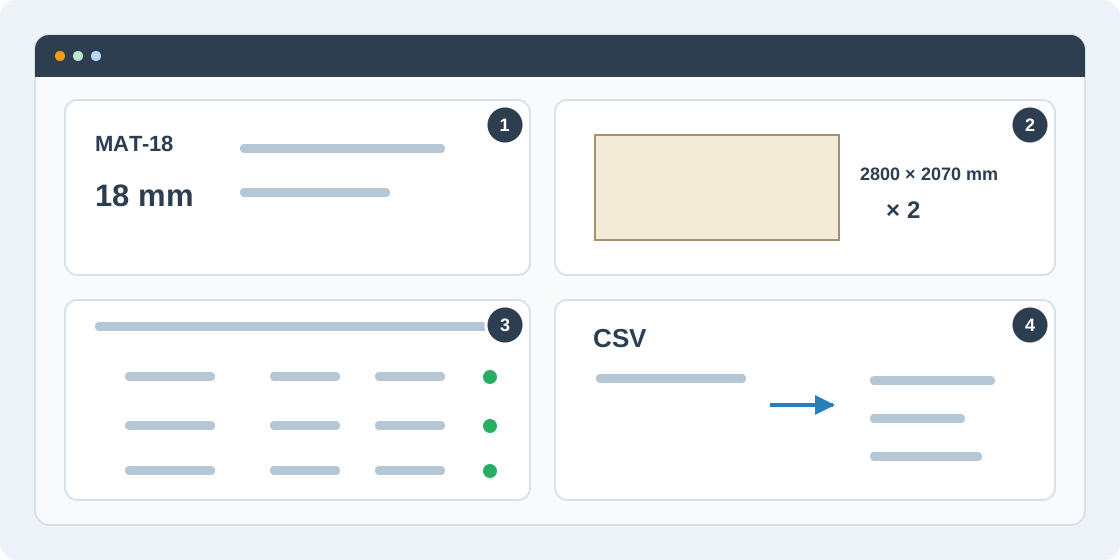
Add parts, materials and stock sheets
Prepare a reliable cutting list by entering parts or importing CSV, then connect each part to matching stock.
Read guide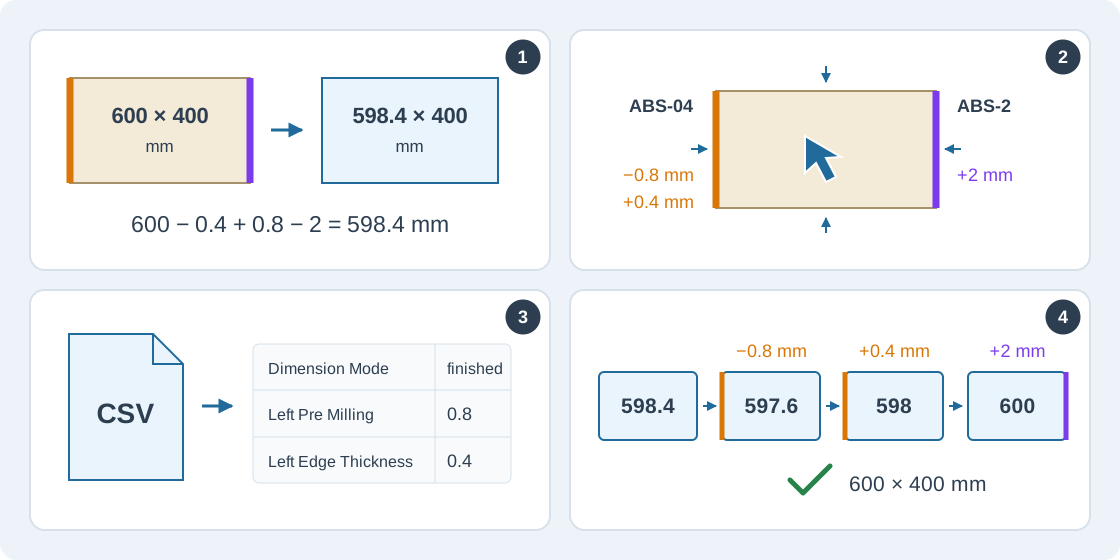
Apply edge banding to parts
Set banding for each side, calculate cutting blanks and import the same edge settings from a CSV file.
Read guide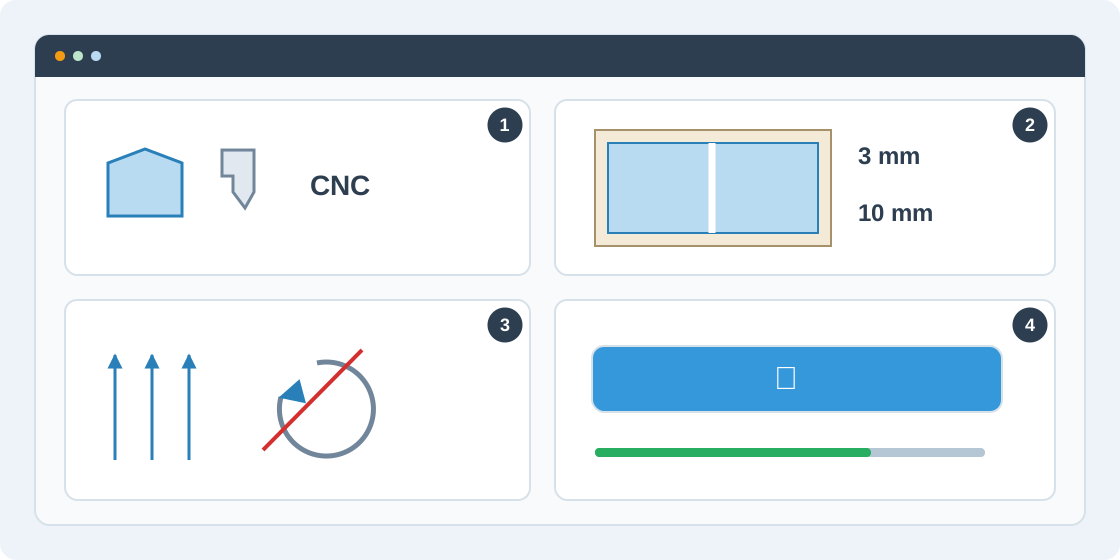
Set up and run optimization
Choose the machine and cutting allowances, respect grain direction and generate your first layout.
Read guide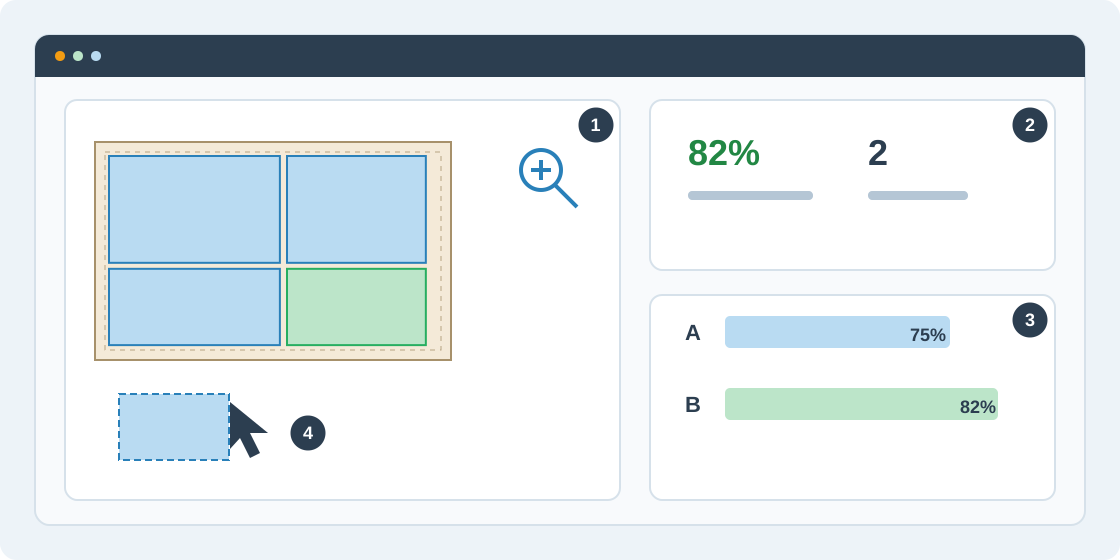
Inspect layouts and compare runs
Read the cutting map, compare alternatives and create a saved custom layout from a result.
Read guide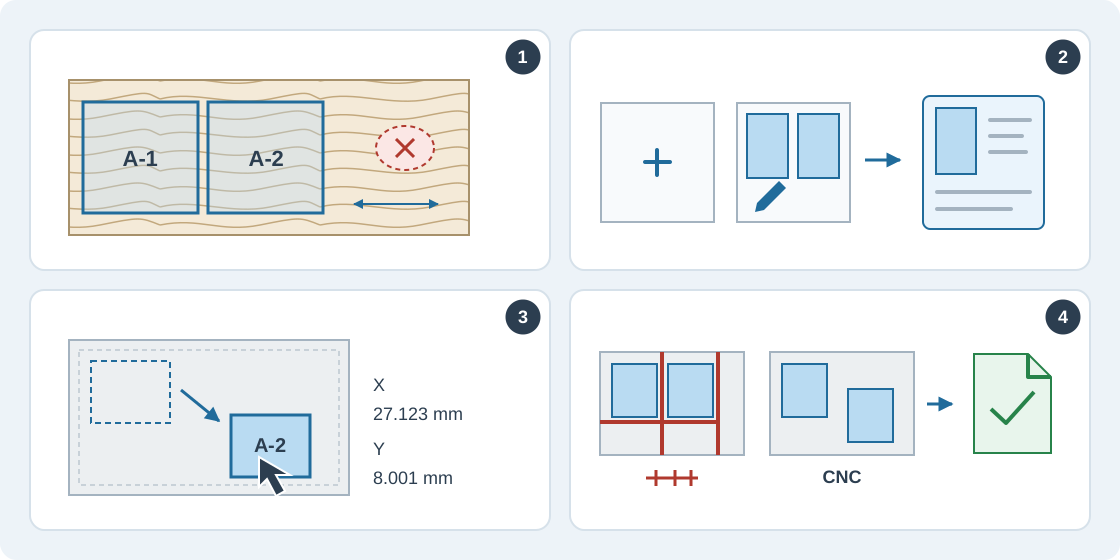
Create a manual cutting layout
Place parts yourself to match decorative patterns, avoid sheet defects and organize cutting for your workshop.
Read guide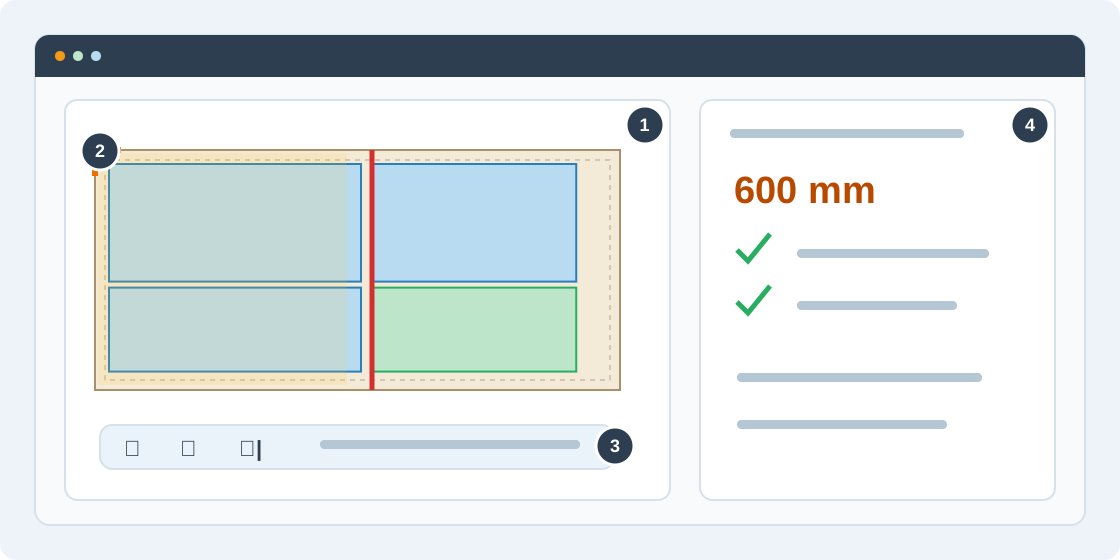
Follow the saw-cut sequence
Preview a sheet's cutting order, set a reference corner and step through the operator guidance.
Read guide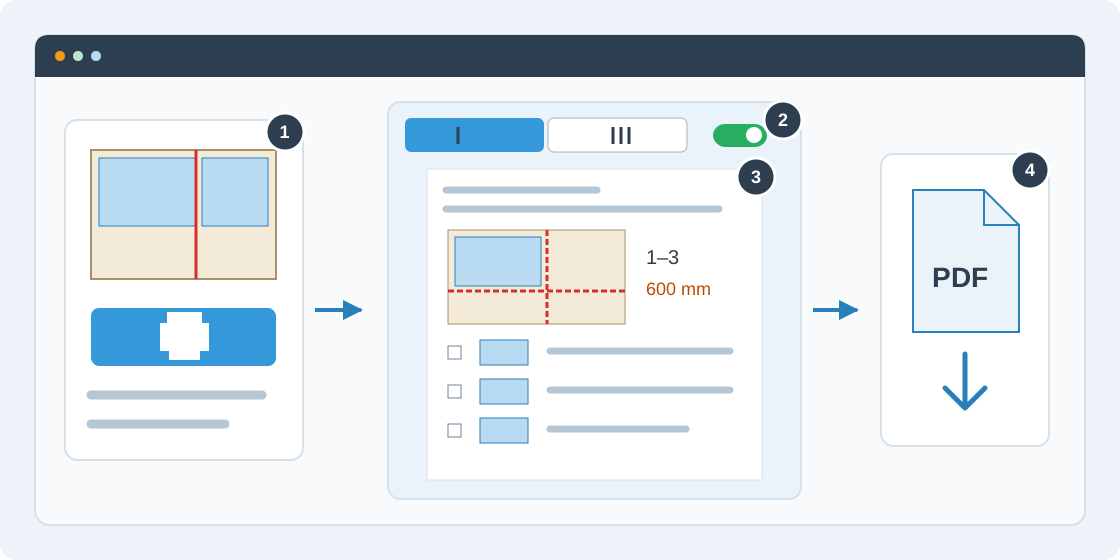
Print or save the cutting sequence as PDF
Prepare an operator checklist with numbered cuts, fence settings and optional sketches for one sheet or the whole run.
Read guide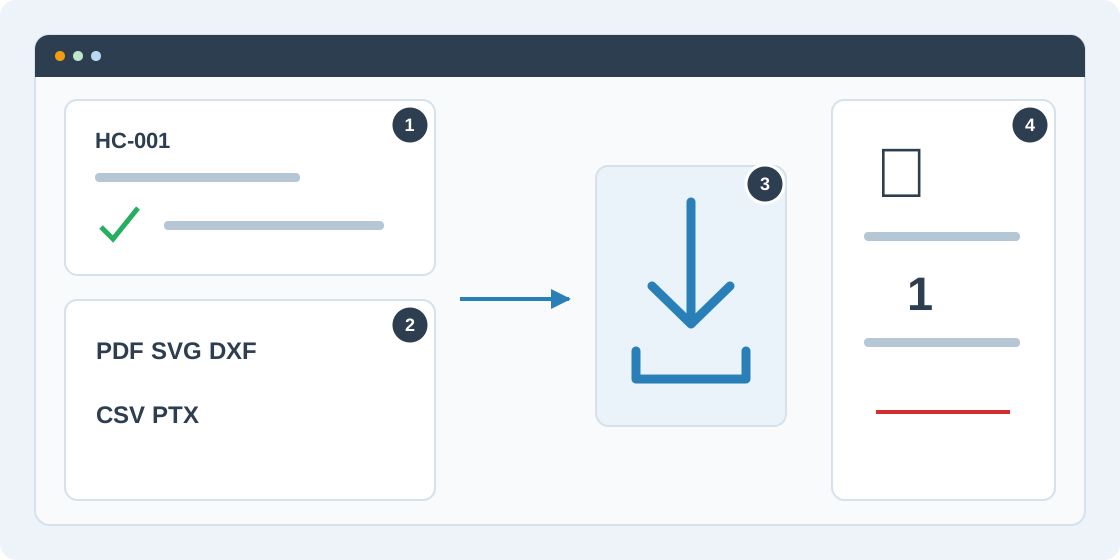
Export a cutting plan
Choose the right production format, check its source and download the generated files.
Read guide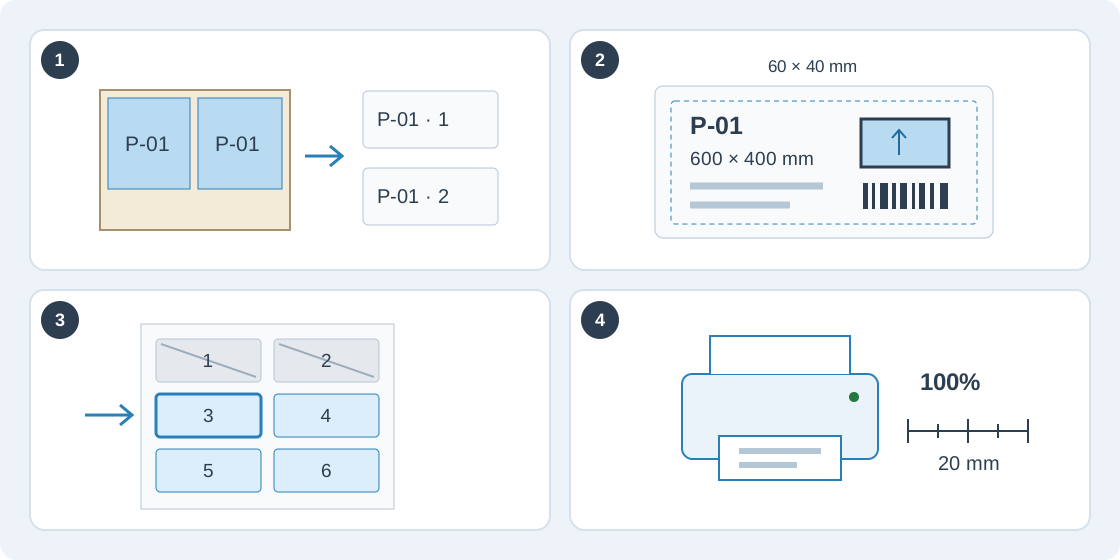
Design and print part labels
Identify every physical part with a reusable label design, choose sheet or roll stock and print a checked batch from a saved plan.
Read guide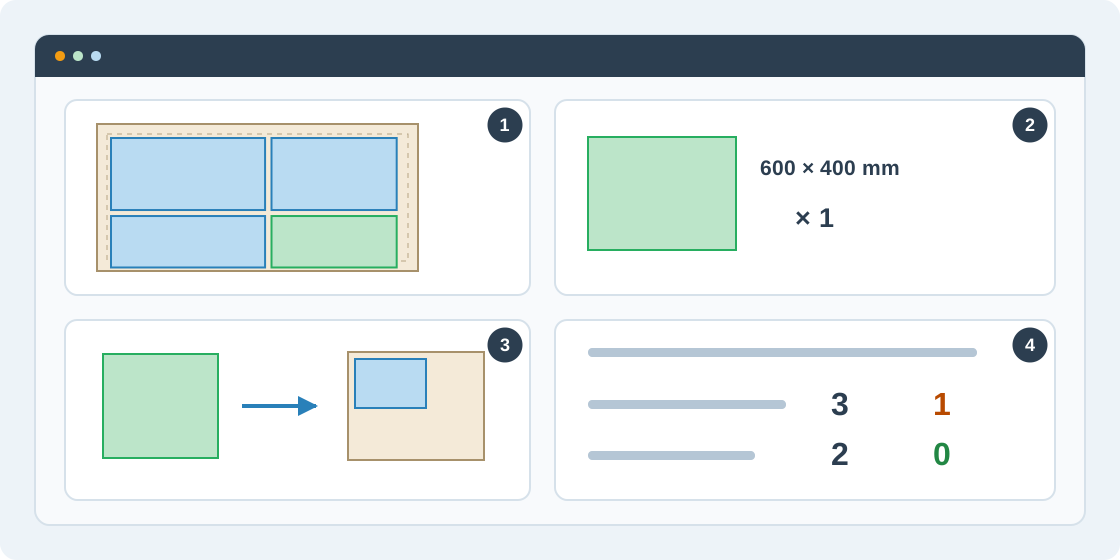
Save and reuse material offcuts
Turn reusable remnants from a cutting plan into catalog stock for a future order.
Read guide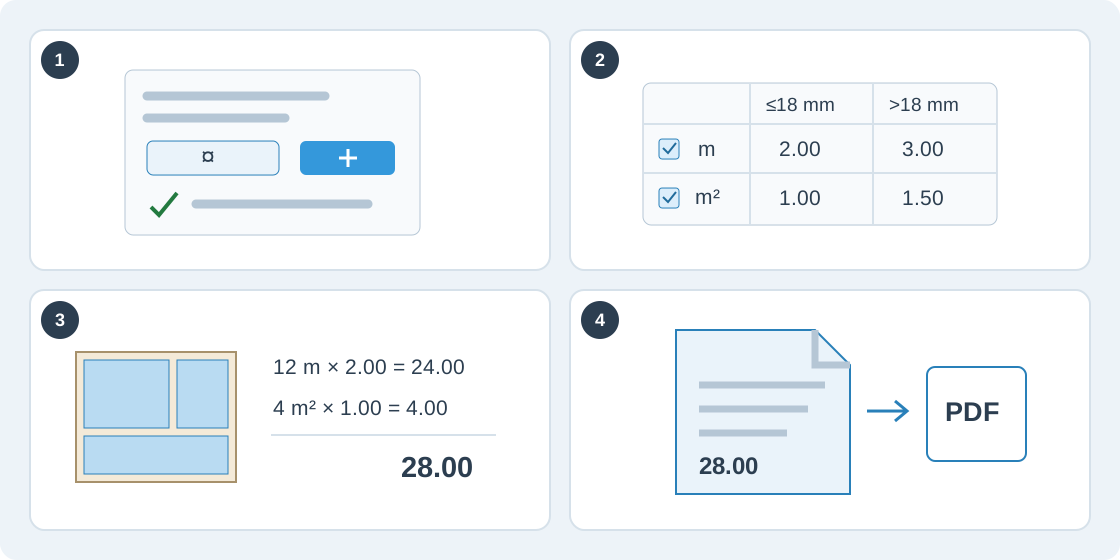
Price your cutting services and create quotes
Set up service price lists, check the cost of a saved cutting plan and issue a quote you can print or save as PDF.
Read guide