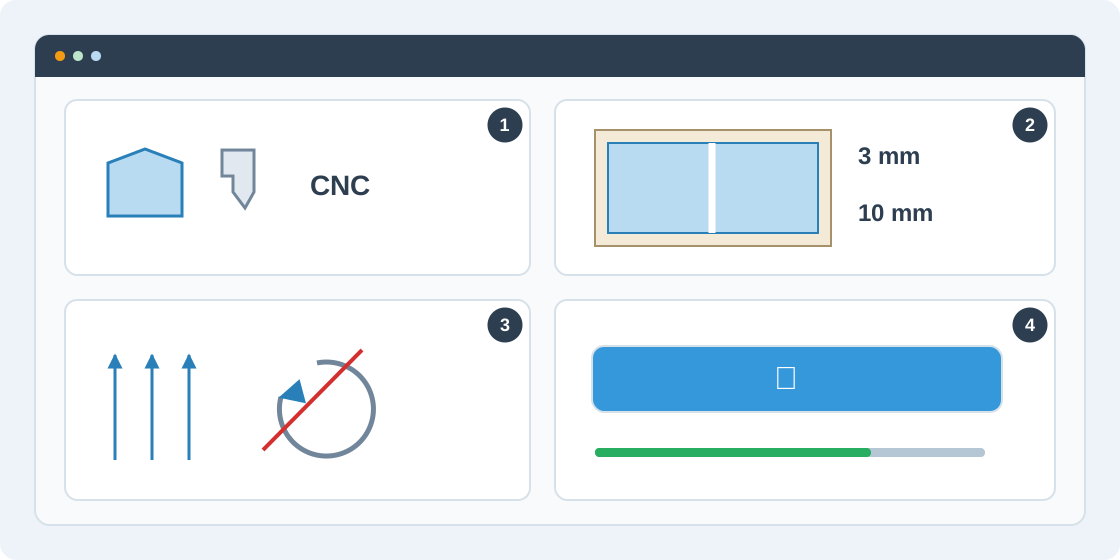
1Choose saw or CNC
Open Settings and choose Panel saw for straight, guillotine cutting or CNC nesting for router layouts. Start with the balanced search effort. A saved preset can restore commonly used settings; review it against the current machine and material.
2Allow for kerf and trim
Blade width is the material removed by a cut. Edge trim is removed from each side of the sheet. For example, a 2800 × 2070 mm sheet with 10 mm trim has 2780 × 2050 mm of usable area. These allowances can make a large part stop fitting.
3Respect grain and rotation
Set grain requirements for the material and parts before running. A global grain direction disables rotation for all parts; individual rotation permissions cannot override it. For material without grain, allow rotation only where the finished part permits it.
4Run and resolve errors
Choose Run optimization. Fix blocking input errors first. If the engine cannot place a part, read the error identifying the part or constraint and check sheet size, quantity, kerf, trim and rotation. Successful runs are saved with the order; changed inputs need a new run.