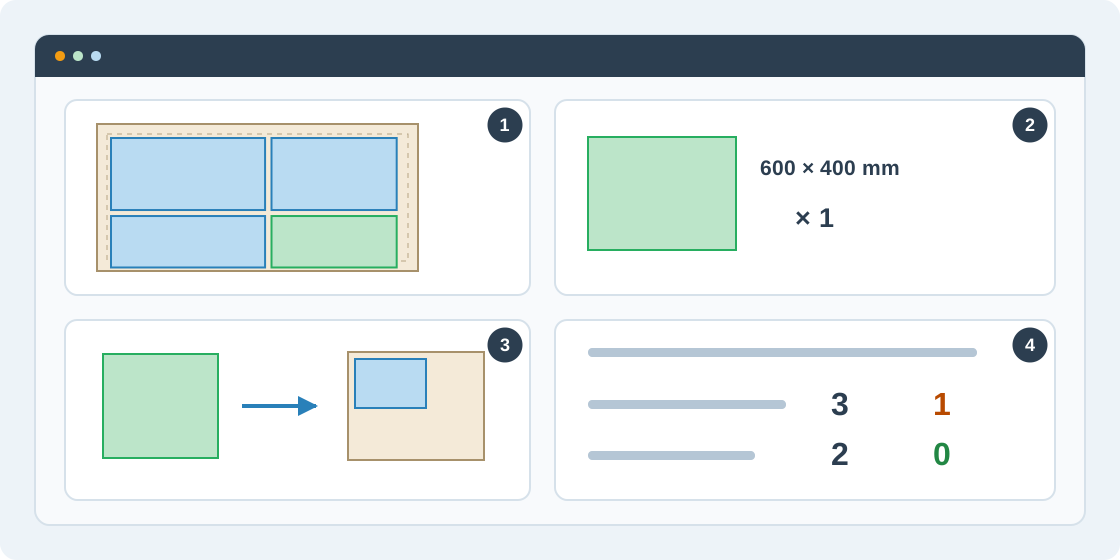
1Review the planned remnants
In Results, choose Save offcuts for the selected run. The list uses remnants from the stored cutting plan. The default minimum side is 150 mm; adjust the threshold to your workshop's needs. Both dimensions must meet it.
2Save useful pieces
Select the pieces you will keep, check physical dimensions and quantity, add a useful label and match each material to the catalog. Save them once, then verify the catalog entries. The source order and run are recorded with the saved offcuts.
3Use an offcut in another order
In the new order's Settings, add the matching material and choose stock From catalog. Select available offcuts and the quantity needed, then optimize with them alongside full sheets. Keep the catalog link so the service can track reservations.
4Check inventory and reservations
Open Account's material catalog to review offcuts, quantities and availability. Reserved or consumed pieces cannot be offered as freely available stock. Keep physical inventory and order status up to date so future jobs use only material that is actually available.