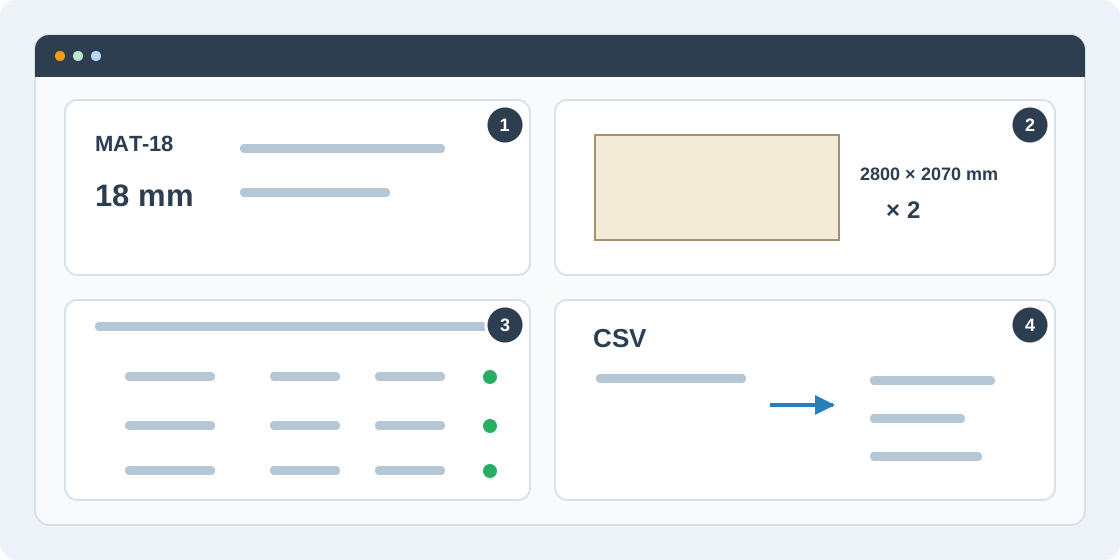
1Define the materials
In Settings, add a material with a name, code and thickness, or choose From catalog. Use distinct material codes, for example MAT-18 for an 18 mm board. The CSV material code must match the material's code in the order.
2Add available stock
Add stock sheets with width, height, quantity and material. Enter the raw sheet size in millimetres; edge trim is applied separately. Add at least one matching sheet for every material. From catalog can also bring available saved offcuts into the job.
3Enter and check parts
In Parts, add each part's dimensions, quantity and material. Set rotation and grain requirements, and add edge banding where needed. Use selection and bulk editing for repeated changes, and undo or redo mistakes. Resolve red errors; review warnings before optimizing.
4Import a CSV list
Choose Import CSV, select the file, check whether the first row is a header, and map the columns. Confirm the units and material mapping, then review accepted and rejected rows. Fix mapping or units before confirming; rows with problems are skipped.
Material Code,Width,Height,Quantity,Can Rotate
MAT-18,600,400,2,1
MAT-18,800,300,1,0