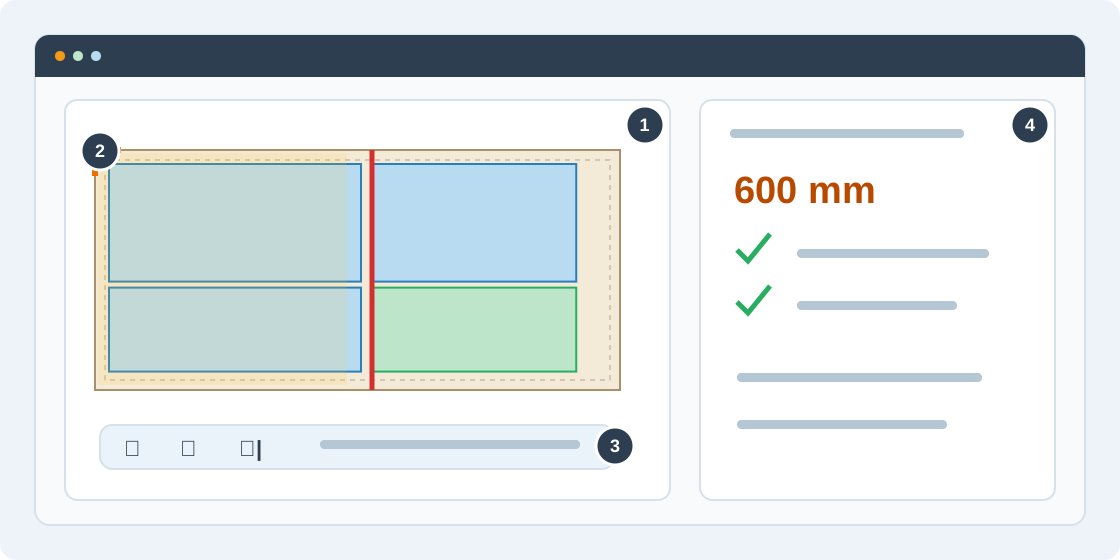
1Open a planned sheet
Select a run and sheet, then open the cut sequence from the canvas toolbar. The sequence needs a stored cutting plan. If a previous run has no plan, rerun optimization to generate one; a message explains when guidance is unavailable.
2Choose the approach and corner
Select a cutting order strategy to suit the workshop, such as finishing one strip or making strips first. Set the reference corner to match the board orientation. Review the strategy hint before starting; the selected corner affects the displayed reference edges.
3Preview at your own pace
Use Play or Pause, the speed selector, and Previous or Next to inspect each cut. The timeline and step list let you jump to a position. Use the first and last controls to return to the start or review the finished plan.
4Read the current step
Check the highlighted cut, fence setting and the piece that comes off. Follow the guidance for parts, pieces waiting on the stack and reusable offcuts. Preview the full sequence before cutting and verify settings against your machine and actual board.